
Your handwriting as a font without an iPad
You don't need a tablet for TypedHand. Print a template, fill it in with an ordinary pen and photograph it with your phone. After that you type, and the text comes out in your own handwriting.
How the paper path works
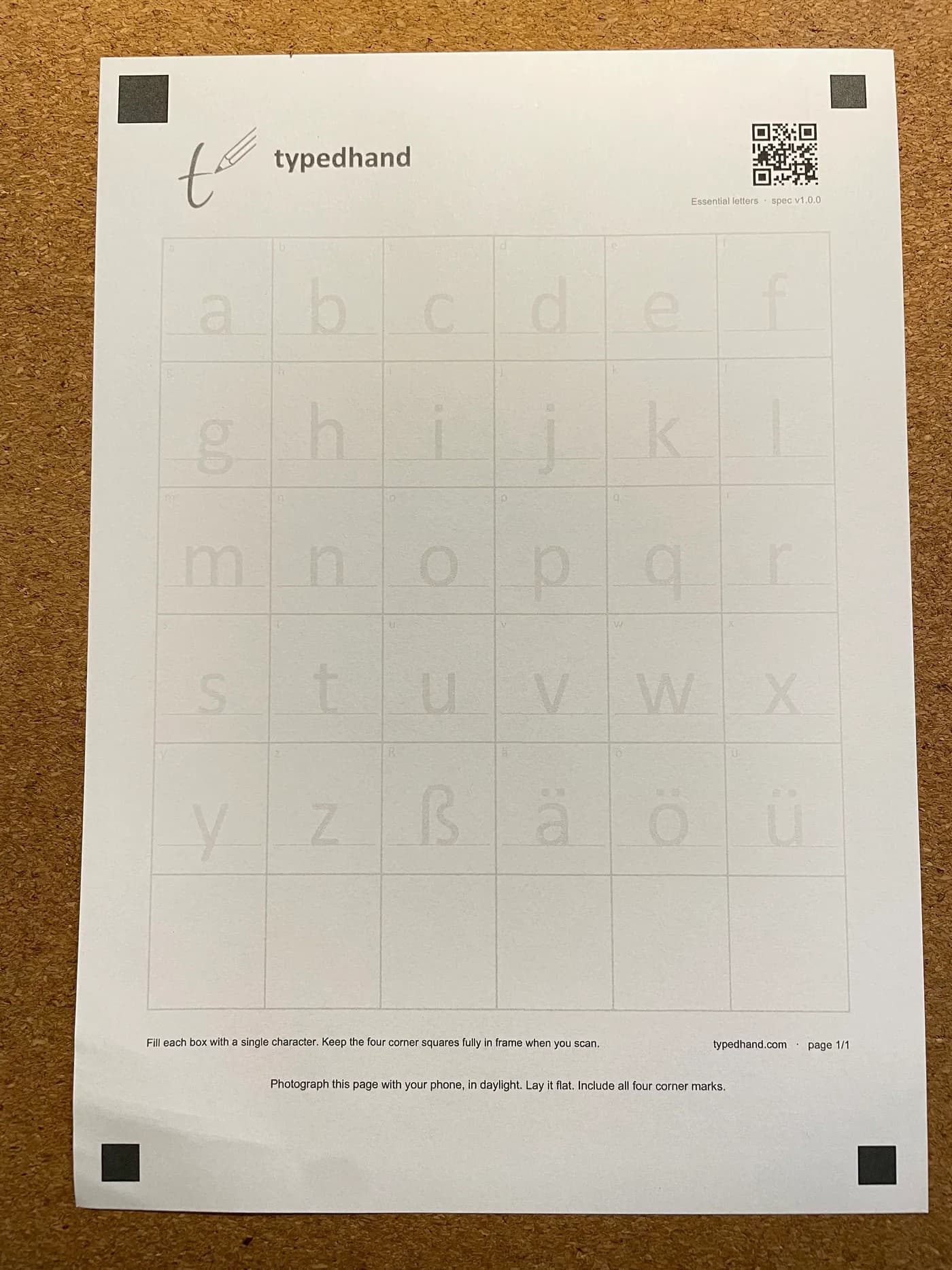
Print the template
Download the template and print it on ordinary paper. It has two pages — the corner marks help line up the photos later.
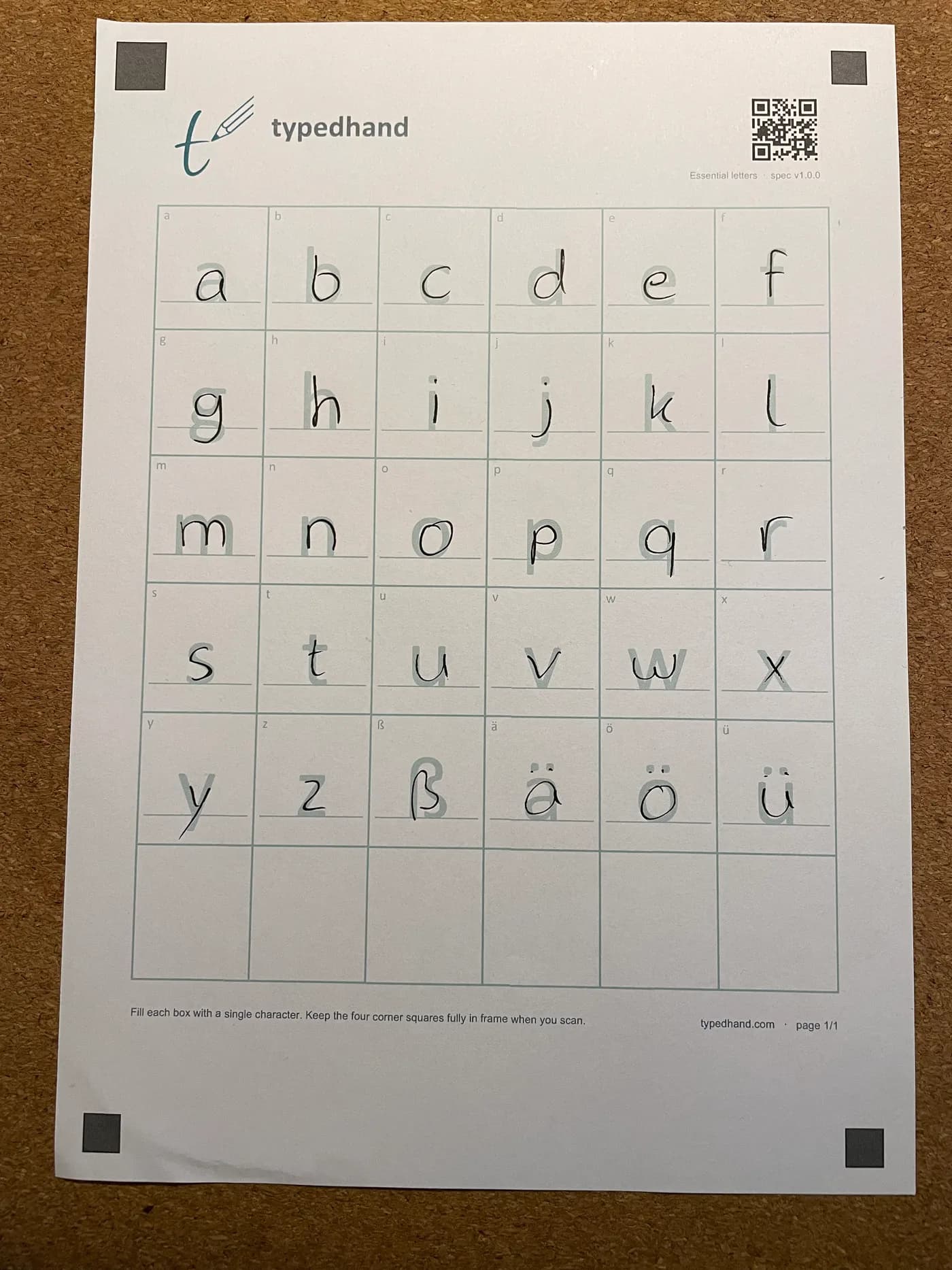
Fill it in with your pen
Ballpoint, fineliner, fountain pen — whatever is on your desk. One character per box.
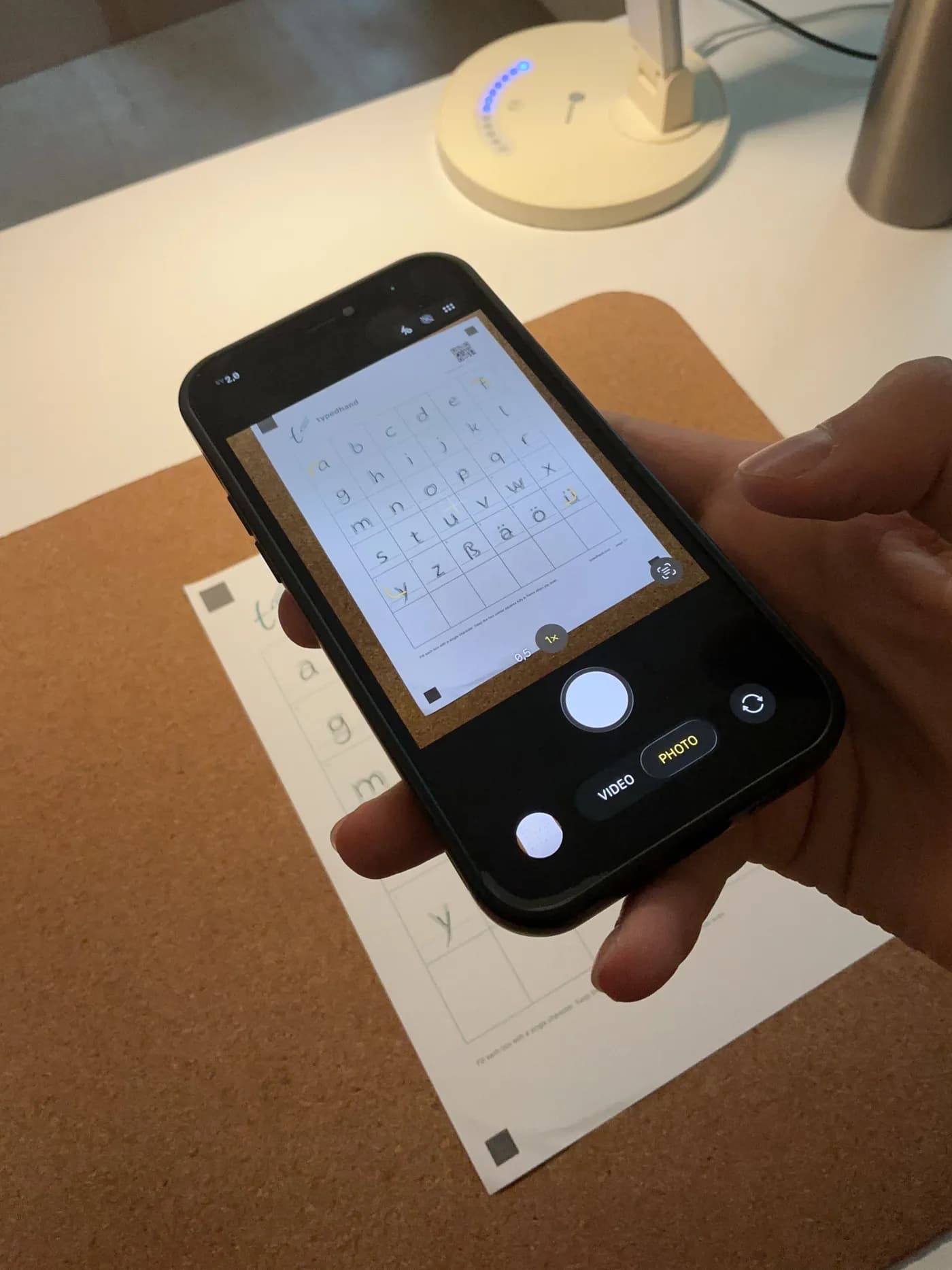
Photograph it with your phone
Lay the sheet flat, shoot it in daylight, keep all four corner marks in frame.
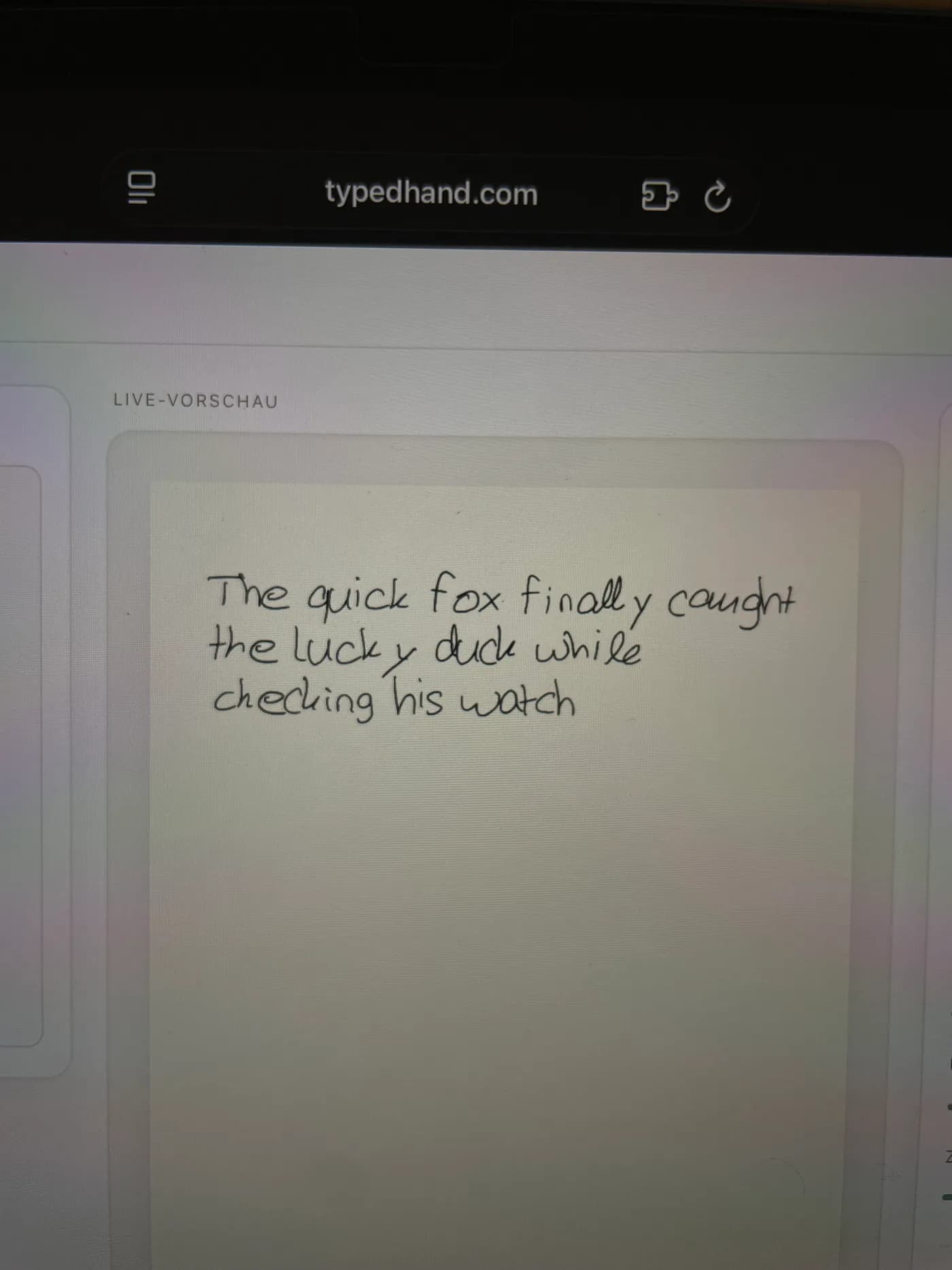
Type — your handwriting shows up in the editor
From here you just type, and export the text as a PDF in your handwriting.
Have a tablet after all?
Then you can do it digitally: open the template in a note app like GoodNotes, write into it with your stylus and upload the exported file — iPad or Android, either works. Both are official ways to use TypedHand, with the same result.
Beyond that basic import, TypedHand also has a dedicated export straight into GoodNotes: real, erasable pen strokes instead of a picture. The same goes for worked answers from an AI, which come out as a math sheet in your handwriting.
| Paper path | Tablet path | |
|---|---|---|
| Tools | a printer, an ordinary pen, your phone camera | a tablet with a stylus, e.g. an iPad with an Apple Pencil |
| Writing feel | a real pen on real paper | a stylus on glass |
| Filling it in | print the template, fill it in, photograph it | fill the template in a note app and export it |
| Best for | anyone without a tablet — or with a favourite pen | anyone with a tablet who'd rather fill it in digitally |
What you end up with
Not an installable font file, but a PDF in your handwriting: you type in the TypedHand editor and export from there.
FAQ: TypedHand without an iPad
Do I need an iPad or an Apple Pencil for TypedHand?
No. You only need a printer, an ordinary pen and a phone camera — no tablet, no stylus.
Do I need a scanner?
No, an ordinary phone photo of the filled-in template is enough.
How much paper does the template need?
The basic template with every letter has two pages. You photograph each page on its own; the four corner marks on every page help line up the photos afterwards.
Free, no account needed — type a sentence and see it in handwriting.
Try the playground