
TypedHand at a glance: prices and facts
TypedHand sets any text you type in your own handwriting. You fill in one template with a pen on paper, take a photo of it, and export finished pages as a PDF or straight into GoodNotes. It is free to start. This page has the prices, the limits and the short answers in one place.
how it works
From your pen to finished pages
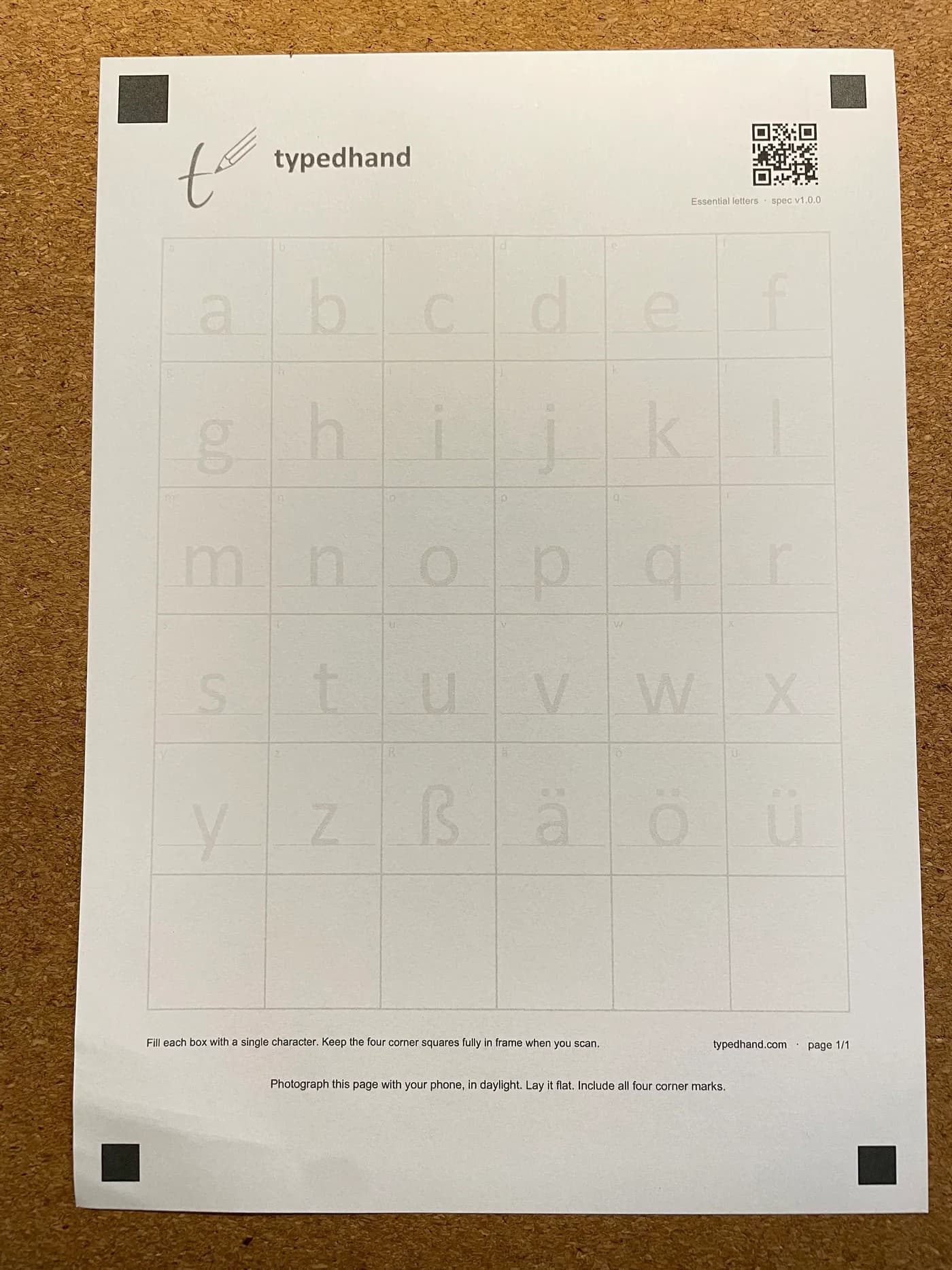
Print the template
Download the TypedHand template in your account, free of charge, and print it on ordinary paper. Its four corner marks help line everything up.
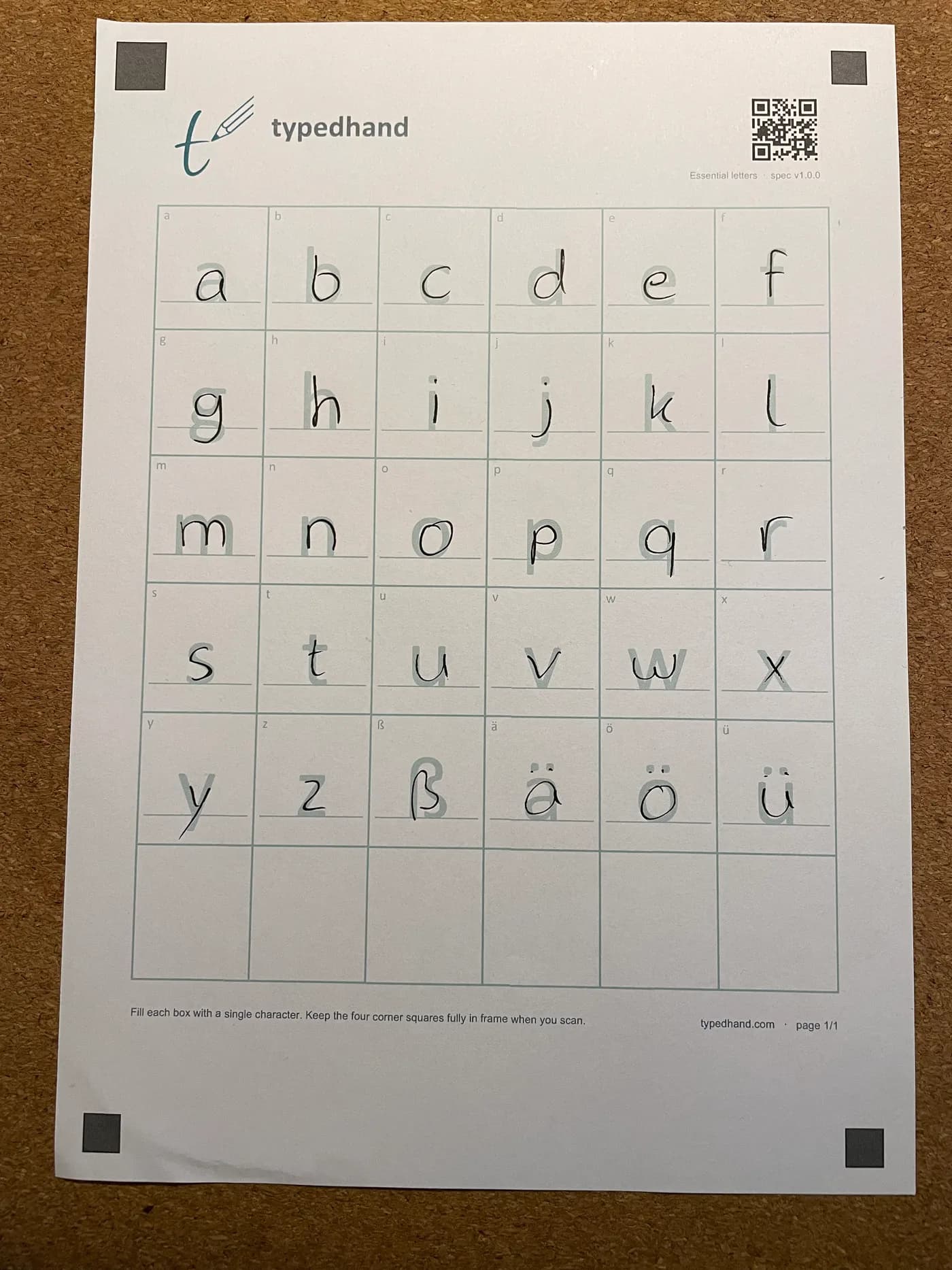
Write it with any pen
One character per box, with whatever pen is on your desk. You do this once.
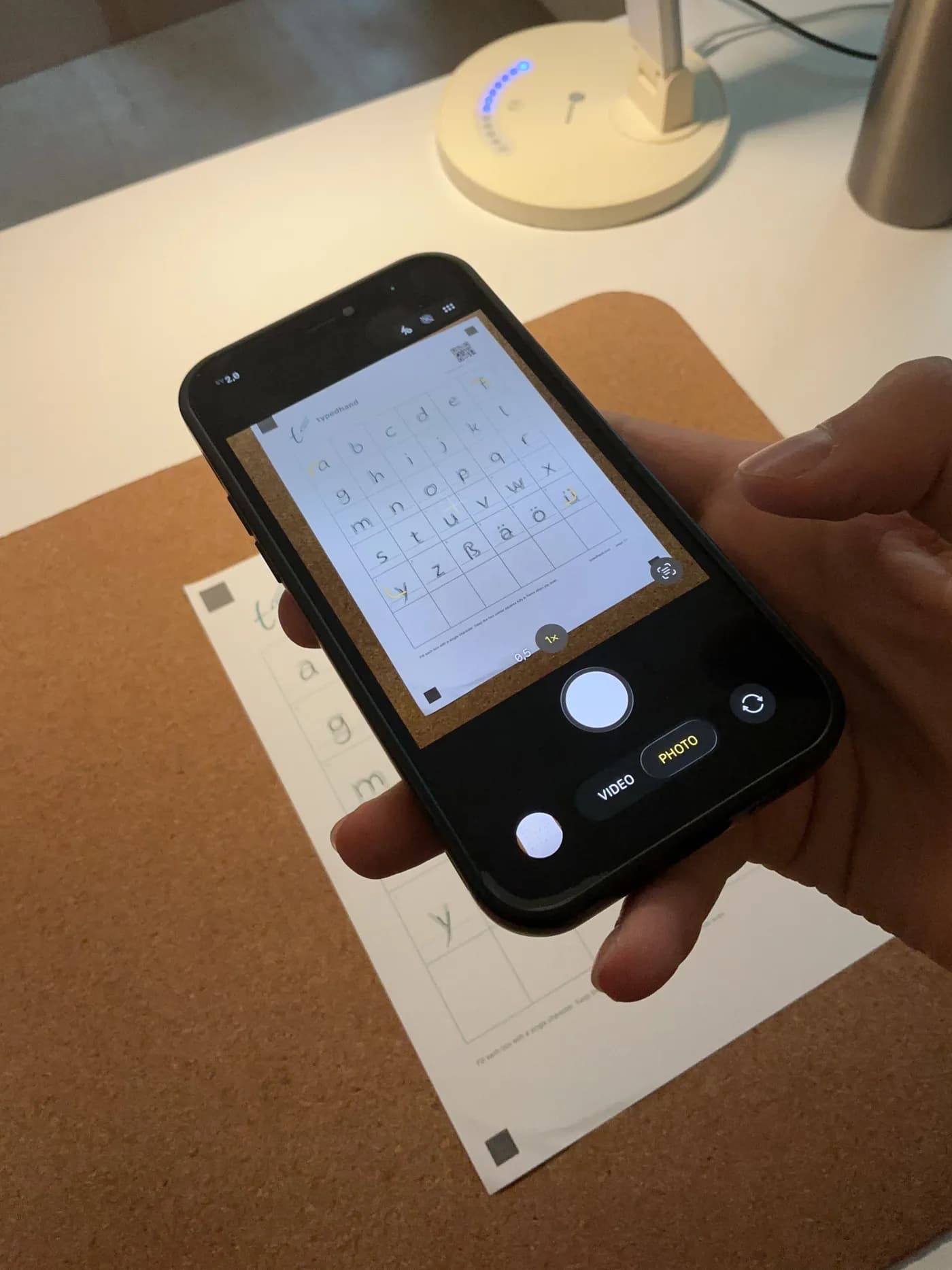
Take a photo and upload it
Lay the sheet flat and photograph it with your phone, all four corner marks in the frame. Then upload the photo.
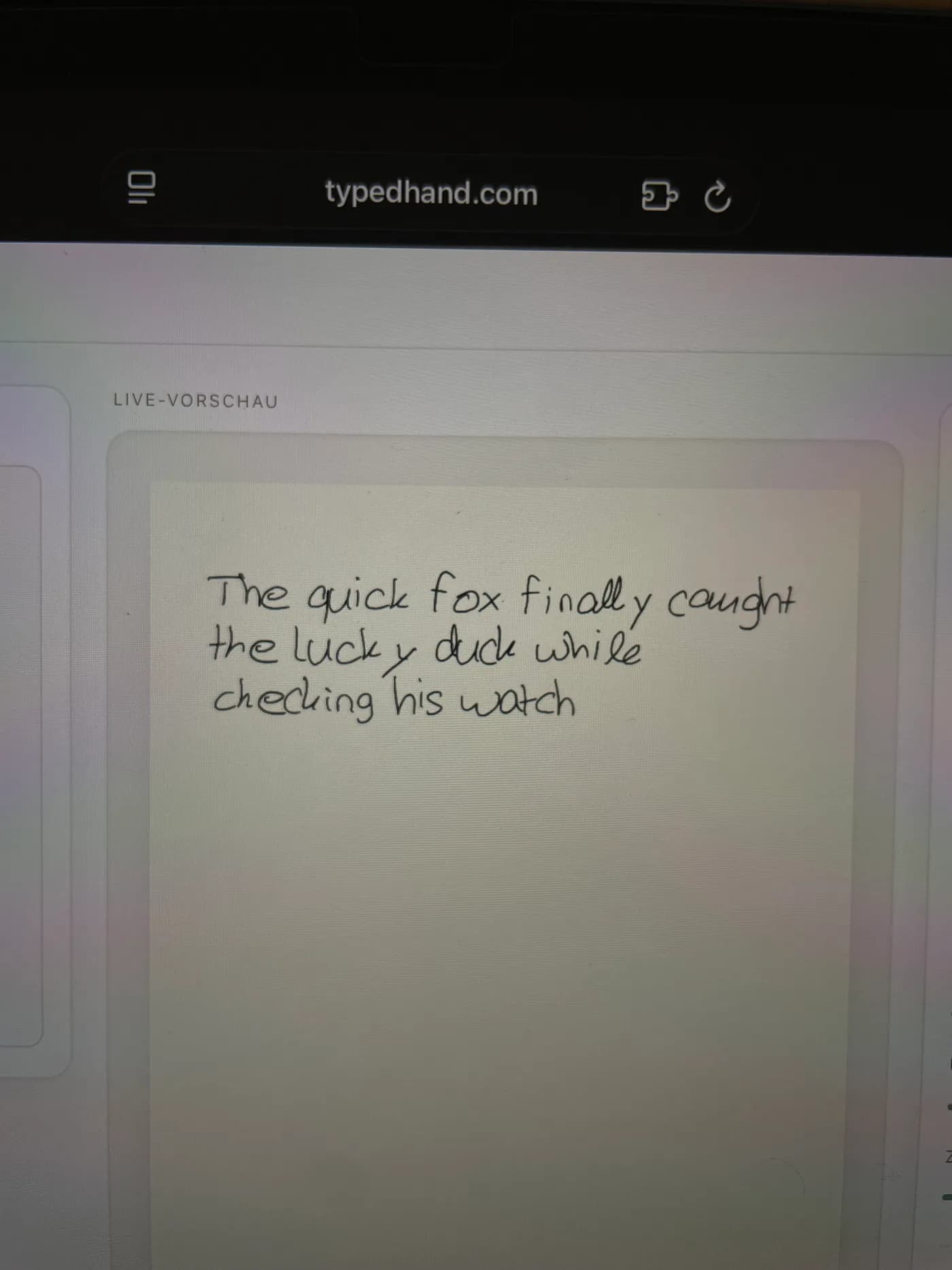
Type and export
From here you just type. The editor shows the text live in your handwriting, and you export it as a PDF or into GoodNotes.
No printer, or you would rather write digitally? Fill in the template on a tablet with a stylus, in GoodNotes or another notes app, tap Share, choose PDF and upload that file. Not a screenshot. The tablet is the second way in: paper and a phone camera are enough on their own.
prices and limits
What each plan includes
| Free | Plus | Pro | |
|---|---|---|---|
| Price a month | €0 | €2.99 | €5.99 |
| Price a year | €0 | €19.99 | €34.99 |
| Exports a month, PDF and GoodNotes together | 3 | 10 | 30 |
| Watermark | Small watermark | None | None |
| Pages in one export | 1 | 1, or 2 for a math document | Every page |
| Uploaded sheets kept in your account | 2 | 5 | 10 |
| Template sheets | Letters | Letters, essential letters, digits and symbols, math | All sheets, plus ligatures, Spanish and French |
Cancel any month. Runs for one year. After that you can cancel any time with one month's notice.
frequently asked
Frequently asked questions
What is TypedHand?
TypedHand is an editor in your browser that sets typed text in your own handwriting. You fill in one template once and upload it, then you type any text you like. You export the result as a PDF or straight into GoodNotes.
Do I get a font file (TTF or OTF)?
No. TypedHand does not create an installable font file, and there is no font download. Your handwriting stays in the editor, and what comes out are finished pages as a PDF or a GoodNotes file.
Which export formats are there?
PDF and a native GoodNotes file. In the GoodNotes file every letter is a real pen stroke that you can erase. The GoodNotes export works on A4 pages only. PDF and GoodNotes exports count together towards your monthly limit.
How does my handwriting get into TypedHand?
Through the TypedHand template, a sheet with four corner marks. Either print it, fill it in with any pen and photograph it with your phone, or fill it in on a tablet with a stylus, tap Share, choose PDF and upload that file. Writing freehand on blank paper does not work, and neither does a screenshot.
Do I need an iPad or an Apple Pencil?
No. Paper, a pen and a phone camera are enough. If you prefer to write digitally, any tablet with a stylus works. The editor runs in the browser on any device.
How much does TypedHand cost?
Free costs €0 and includes 3 exports a month, each with a small watermark. Plus costs €2.99 a month or €19.99 a year and includes 10 exports a month. Pro costs €5.99 a month or €34.99 a year and includes 30 exports a month. Plus and Pro have no watermark.
Which plan do I need for a document with several pages?
Pro. Free puts the first page of a document into the file, and so does Plus, except for a math document, where Plus puts in two pages. Pro puts in every page.
What is in my own handwriting on the Free plan?
Free uses the letters template: your hand writes all letters, including the German umlauts and ß. Digits, punctuation and math signs come from a built in handwriting. Plus adds the templates for digits, punctuation and math, so those come out in your hand too. Connected letter pairs and the Spanish and French templates come with Pro.
Does a sheet from Calligraphr or another service work?
No. TypedHand only reads its own template with four corner marks. Sheets from other services, Calligraphr for example, are turned down on upload. You get the TypedHand template for free in your account.
Can TypedHand write math?
Yes, on every plan. You paste a worked solution, for example from ChatGPT, Claude, Gemini, Copilot or Perplexity, and get a sheet with fractions, roots and brackets in handwriting, as a PDF or in GoodNotes. With the math template, which comes with Plus and Pro, the fraction bars, roots and tall brackets are written in your own hand. On Free they are drawn.
Can I try it without an account?
Yes. The playground opens with a sample handwriting and needs no account. To use your own handwriting you create a free account and upload your template.
How do I cancel?
At typedhand.com/kuendigen, with or without signing in. You get a confirmation with the date and time at once, and by email too. A monthly plan can be cancelled any month and runs until the end of the period you paid for.
Type a text and see it in a sample handwriting. No account needed.
Try it free