
Your own handwriting as a font for GoodNotes
You type a text and it lands in GoodNotes as real pen strokes in your own handwriting. It is not a font you install: the page comes ready from the editor, and you can erase, move or add to any word with your stylus.
Free, no account needed.
how it works
How your handwriting gets into GoodNotes
Get the template and open it in GoodNotes or any other notes app
The template is a free PDF with two pages. Import it into a notebook like any other PDF.
Fill in every box once with your stylus, keep the four corner marks clear
One character per box, written the way you normally write. The corner marks are how TypedHand finds the boxes again.
Export it as a PDF and upload it at typedhand.com
Export the filled in pages from your notes app as a PDF and upload it in your account. A screenshot of each page works too. TypedHand builds your handwriting from it.
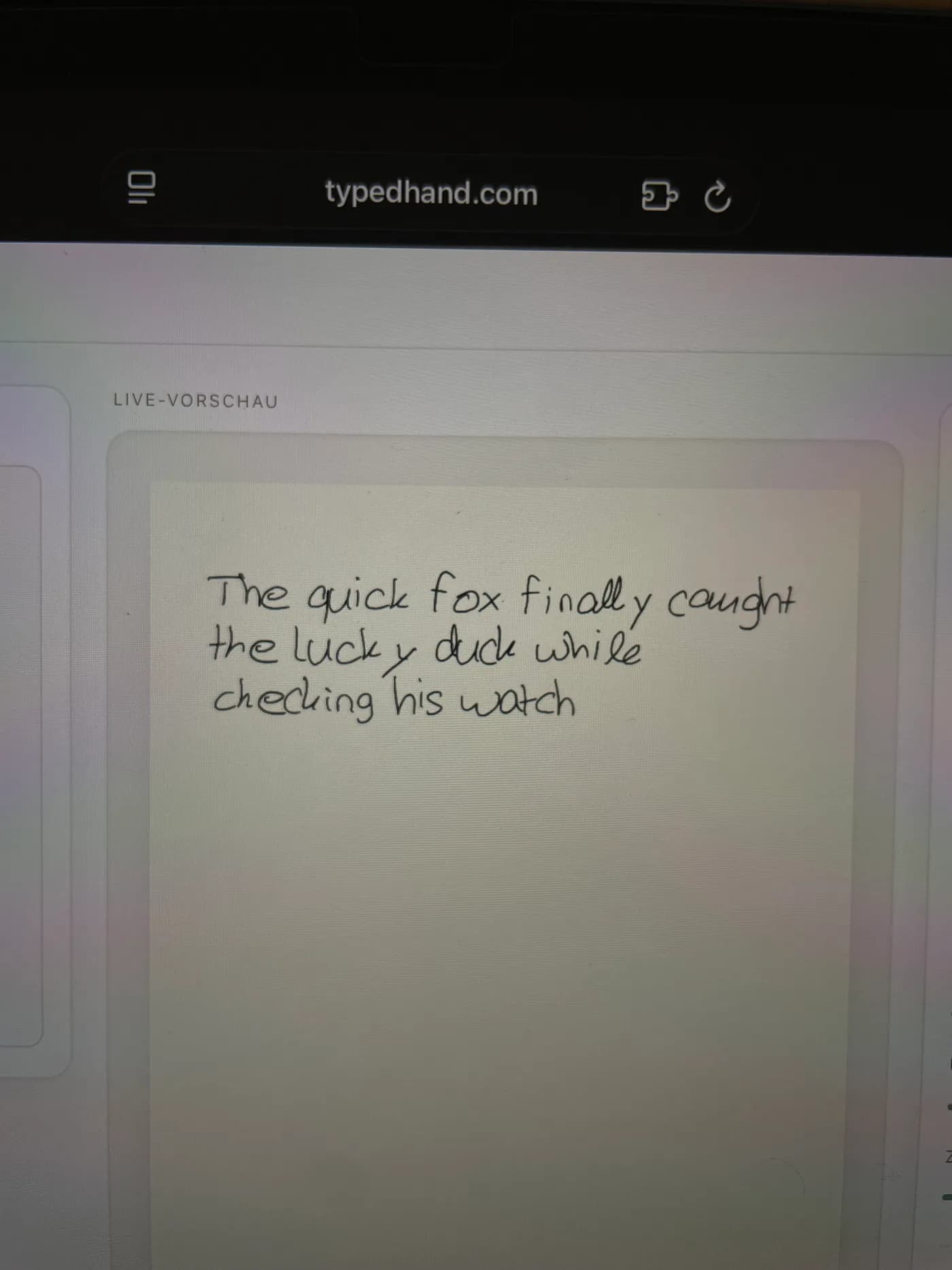
Type your text and export it as a GoodNotes file
The editor shows the text live in your handwriting. The export is a native GoodNotes file with real, erasable pen strokes that you drop straight into a notebook.
No tablet at hand? Print the template, fill it in with any pen and take a photo with your phone.
Turn typed text into handwriting in GoodNotes
GoodNotes cannot turn typed text into your handwriting on its own. TypedHand sets the text from your own letters first and hands it over as a GoodNotes file with real pen strokes. The same letter never comes out exactly the same, just like real writing.
Fill out more than one sheet
Filling out the template a second or third time is not an optional extra, it is a normal part of getting a font that looks handwritten. Each extra sheet gives the editor more real samples of how you write the same letter, so it can vary each occurrence naturally instead of repeating one fixed shape.
what you get
Built for GoodNotes
Real pen strokes
Every letter becomes an individually erasable GoodNotes pen stroke, not a picture or an embedded image.
Native GoodNotes file
The export is a native .goodnotes file, not a PDF import. It currently only works for A4 pages.
Share sheet on phone or tablet
On phone or tablet, sharing uses your device share sheet, so you can pick Copy to GoodNotes directly. On desktop it is a normal file download.
Included on every plan
Free, Plus, and Pro all include the GoodNotes export. Free adds a small watermark and fewer exports per month, Plus and Pro remove the watermark and raise the monthly limit.
Math formulas too
Fractions, brackets, and roots export the same way, as real ink, following the same per plan page rule as the PDF export.
Ligatures are a Pro upgrade
Joined letter pairs, like th or ch, are available as a Pro plan upgrade. They are not included on Free or Plus.
What it costs
Free: 3 exports a month with a small watermark. Plus: €2.99 a month, cancel any month, or €19.99 a year, 10 exports without a watermark. Pro: €5.99 a month, cancel any month, or €34.99 a year, 30 exports and multi page documents.
Different from GoodNotes' own custom fonts
GoodNotes has its own Text tool, where you install a font file on the device and every letter then types identically from that file. TypedHand works differently: there is no font file at all, you keep uploading filled out sheets, and the editor keeps mixing in real variation letter by letter.
No iPad or Apple Pencil needed to create it
You do not need an iPad or an Apple Pencil to create the font. The template can be filled out on ordinary paper with any pen. A tablet with a stylus works too, but it is never required.
Try it first with a sample handwriting
No template needed to try it, the playground uses a sample handwriting font so you can see how typing and exporting work before you commit to your own.
Open the playgroundfrequently asked
Frequently asked questions
Can I pick it as a font inside GoodNotes?
No. There is no font file. You type at typedhand.com and export a GoodNotes file whose pen strokes you can edit in GoodNotes.
Do I need an iPad?
No. Any tablet with a stylus works, or paper and a phone photo.
Does it work with any pen?
Yes. Ballpoint, fineliner, fountain pen, or pencil all work. TypedHand reads whatever you filled the template out with.
Is the GoodNotes export free?
Yes. The Free plan includes it, with a small watermark and a monthly limit. Plus and Pro remove the watermark and raise that limit.
Can I export math formulas to GoodNotes?
Yes. Fractions, brackets, and roots export the same way as the rest of your handwriting, as real ink, with the same per plan page rule as the PDF export.
Are joined letter pairs included?
They are a Pro plan upgrade. On Free and Plus, each letter renders separately.
TypedHand is an independent tool. It is not made by, affiliated with or endorsed by GoodNotes.
Free, no account needed.
Try it first