
Math solutions in your own handwriting
Copy a worked answer from ChatGPT, Claude, Gemini, Copilot or Perplexity with the assistant's copy button and paste it into the editor. You get a math sheet in your handwriting, with fractions, roots and integrals, as a PDF or straight into GoodNotes.
Free, no account needed, with a sample handwriting.
how it works
From an AI answer to a sheet in your hand
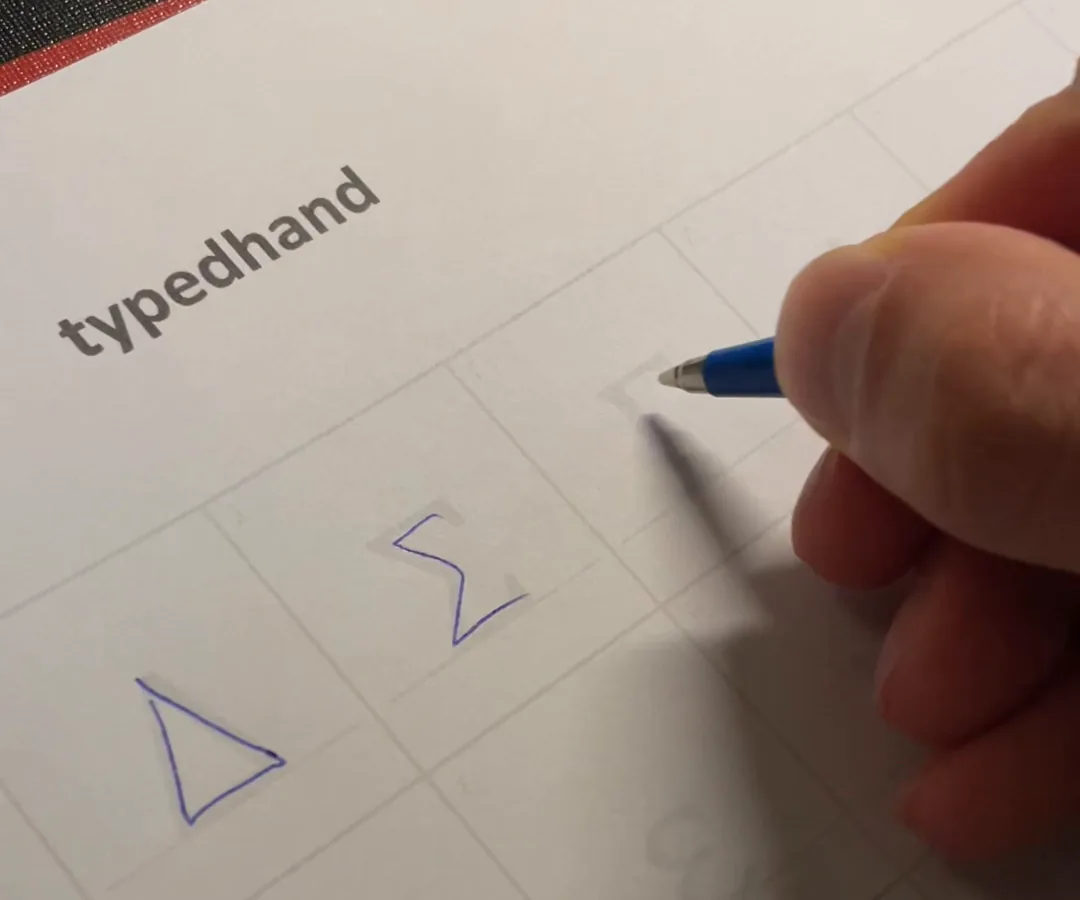
Fill in your sheets
Fill in the templates for your handwriting on paper and photograph them. On Plus and Pro the math sheet comes too: operators, brackets, Greek letters and the large forms for roots and fraction bars.
Copy the answer with the copy button
Ask ChatGPT, Claude, Gemini, Copilot or Perplexity to work through the problem, then copy the answer with the copy button under it. Selecting it with the mouse is not the same: with some assistants that copies only the displayed text of the formulas, which cannot be read back.
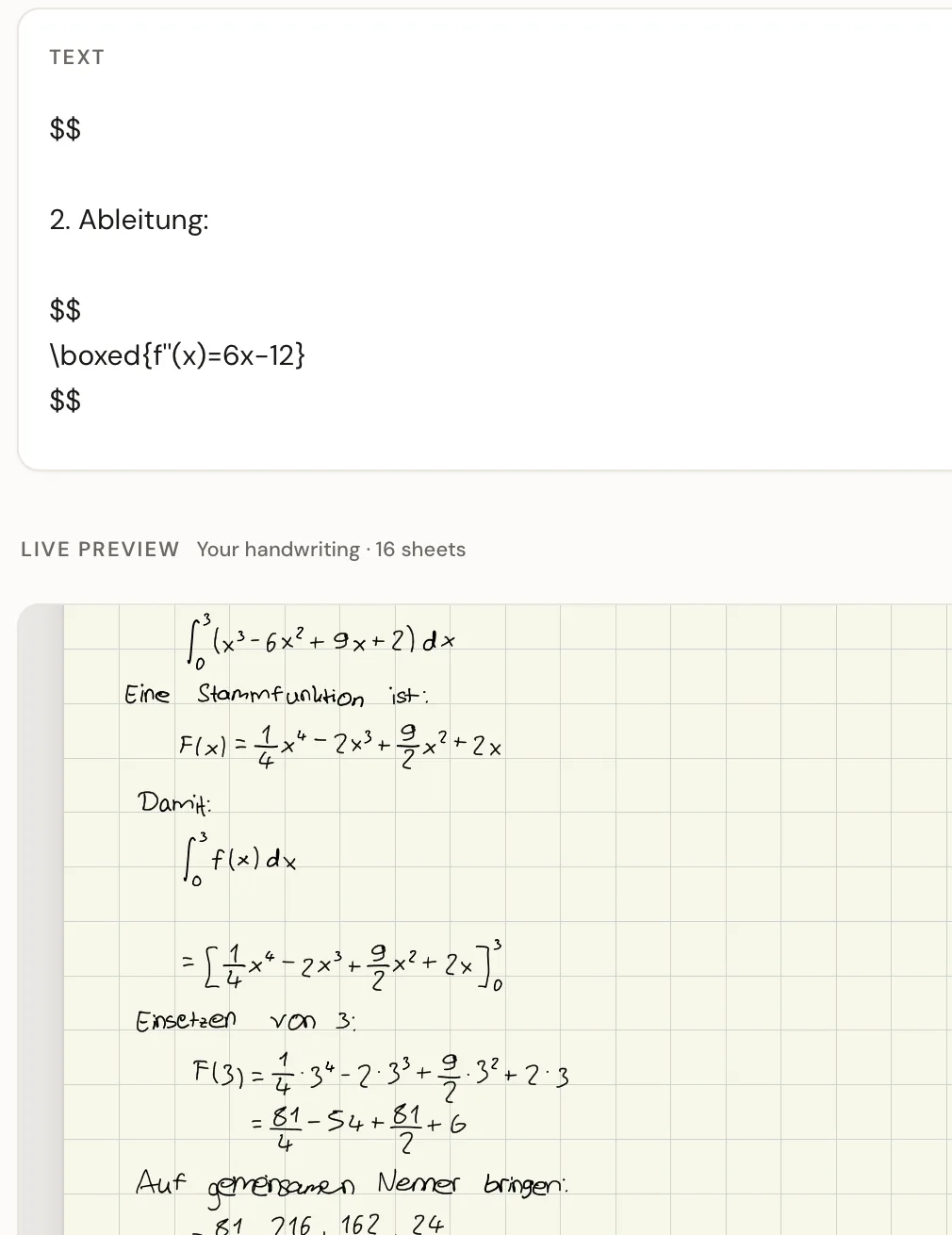
Paste it and the editor spots the math
Paste the answer into the text box. The editor recognises the formulas and offers to write them as a math sheet. The assistant's text stays in the box, and the preview below shows it in your handwriting.
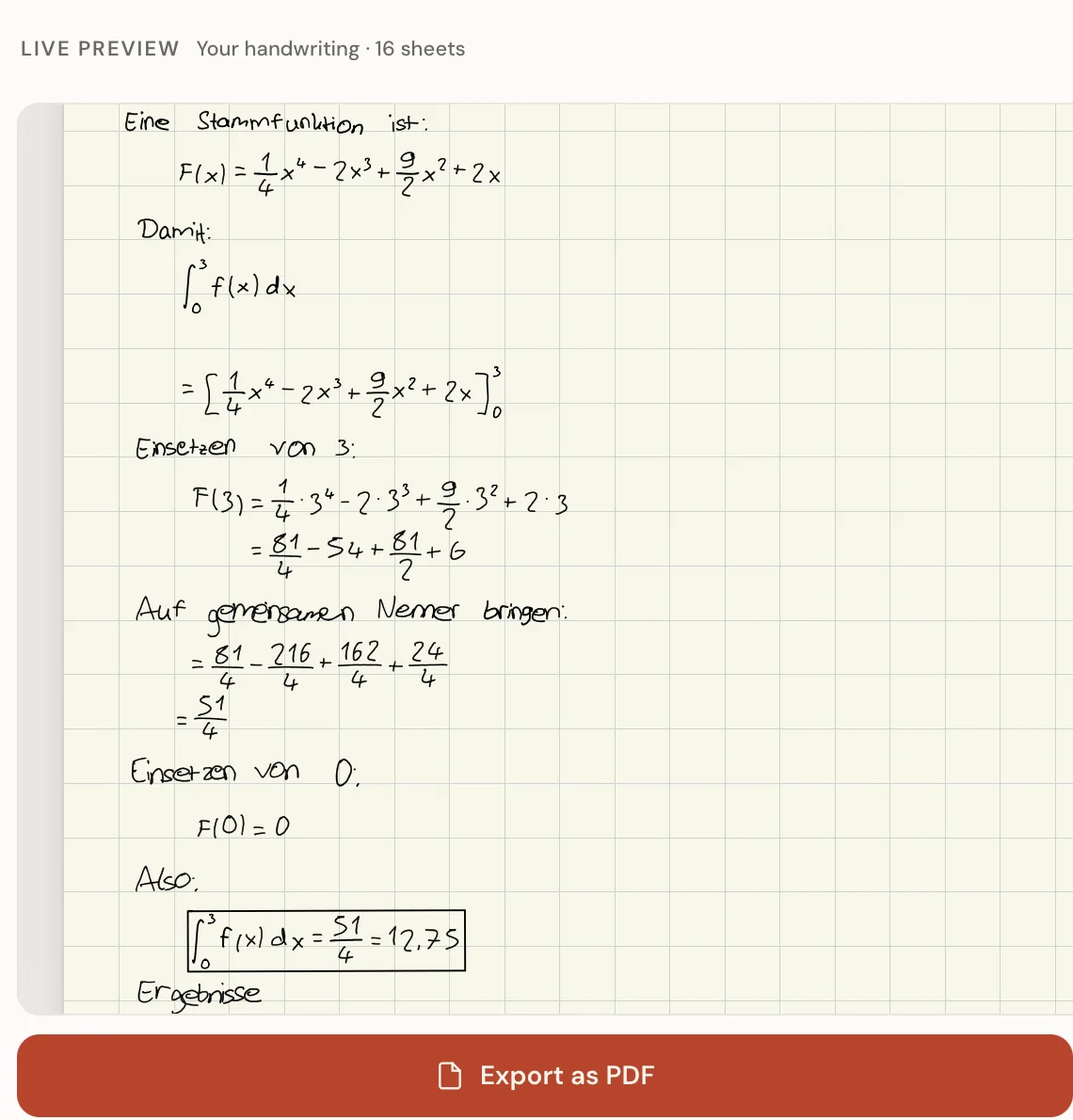
Check the sheet and export it
Read through the working in the preview. Then export it as a PDF to print, or as a file for GoodNotes.
what math mode writes
Formulas the way you would write them
Fractions
Numerator over denominator, stacked on a fraction bar.
Roots
Square roots and roots with an index, the roof reaching over the whole expression.
Powers and indices
Exponents and subscripts, at an exponent size you set yourself.
Integrals and sums
Integral and sum signs with their lower and upper limits.
Tall brackets
Brackets grow with what they enclose, around a fraction for example.
Greek letters
α, β, π, Δ, Σ and the rest of the Greek alphabet school math uses.
Matrices and systems
Matrices, case distinctions and steps aligned under each other.
The result, marked
Boxed, double underlined or left as it is. English sheets get the box by default, German ones the double underline.
One character per square
Switch it on and every digit and sign gets a square of its own on squared paper, with each step lined up under the one above.
The math sheet: roots and brackets in your hand too
With the math sheet your hand also writes the fraction bars, roots, tall brackets and large operators such as the integral sign. Without it those shapes are drawn rather than written in your hand. The sheet has three pages but counts as one copy, and it comes with Plus and Pro.
keep working in GoodNotes
Real ink, not a picture
The GoodNotes export writes the formulas as real pen strokes, not as an image. You can erase single characters, move a term with the lasso and carry on calculating with your Apple Pencil.
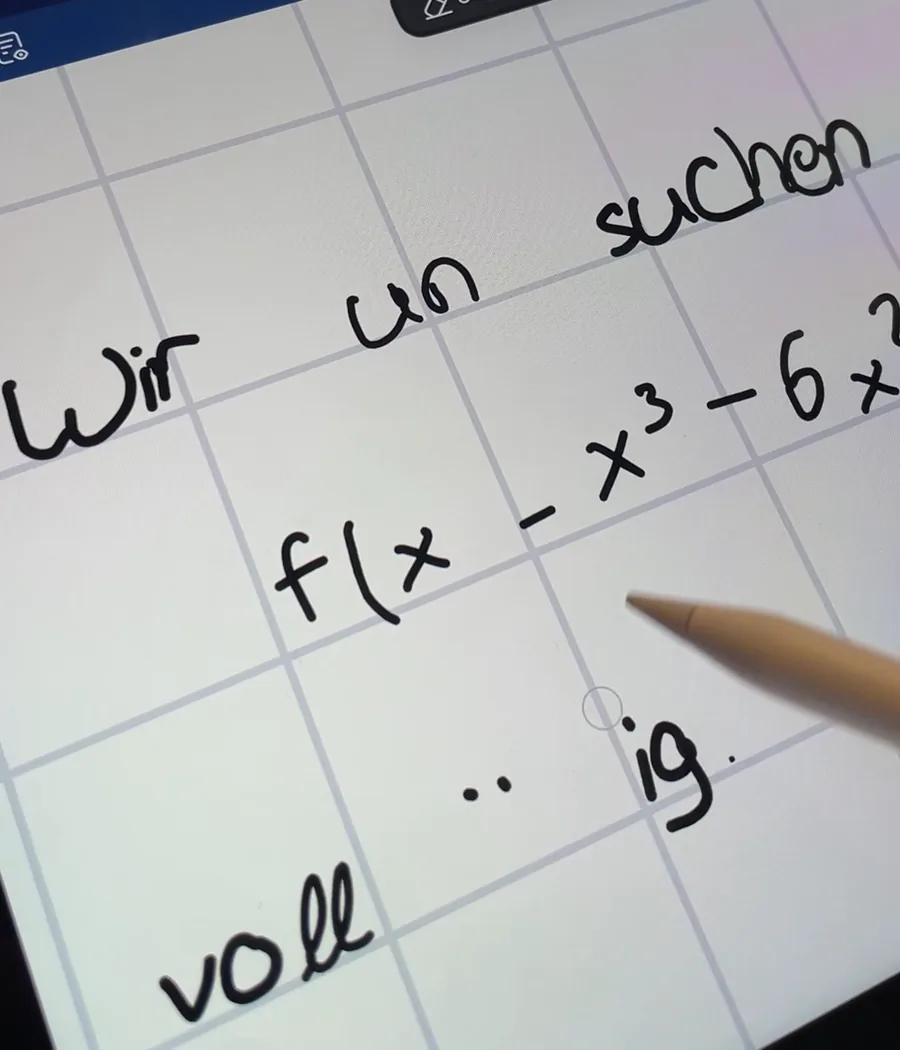
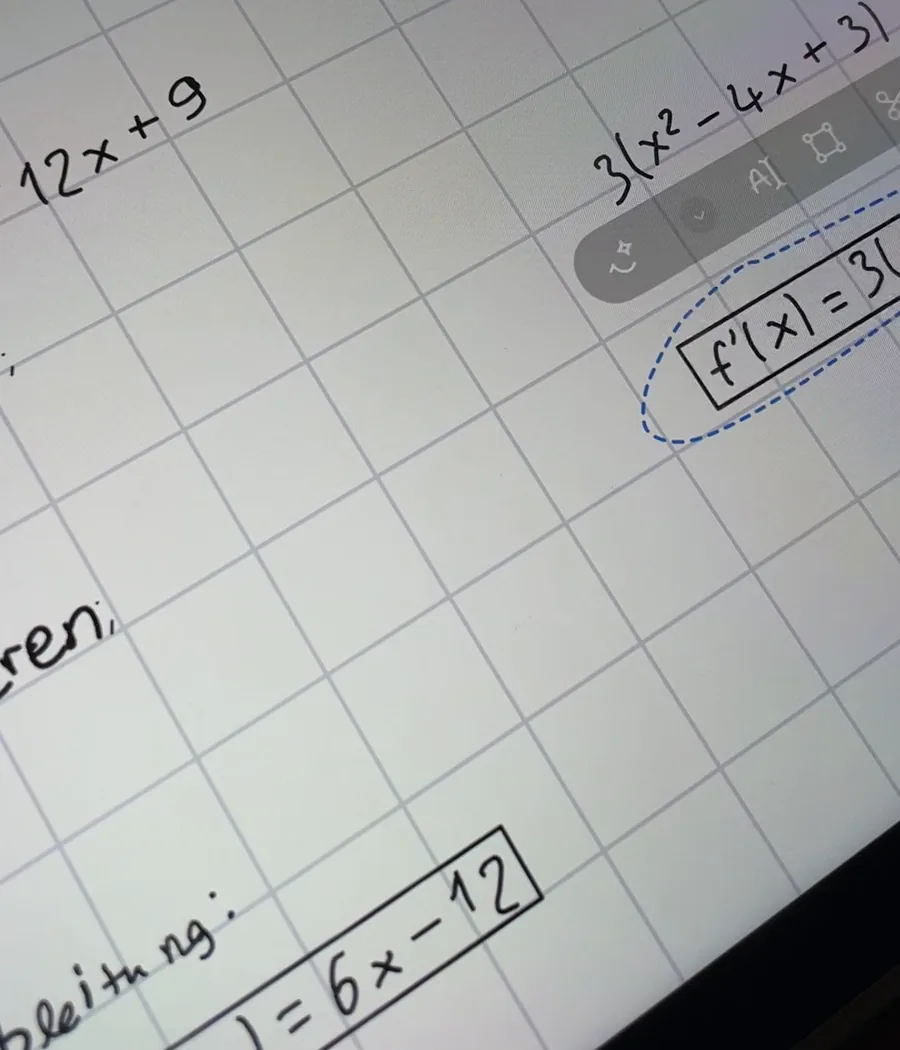
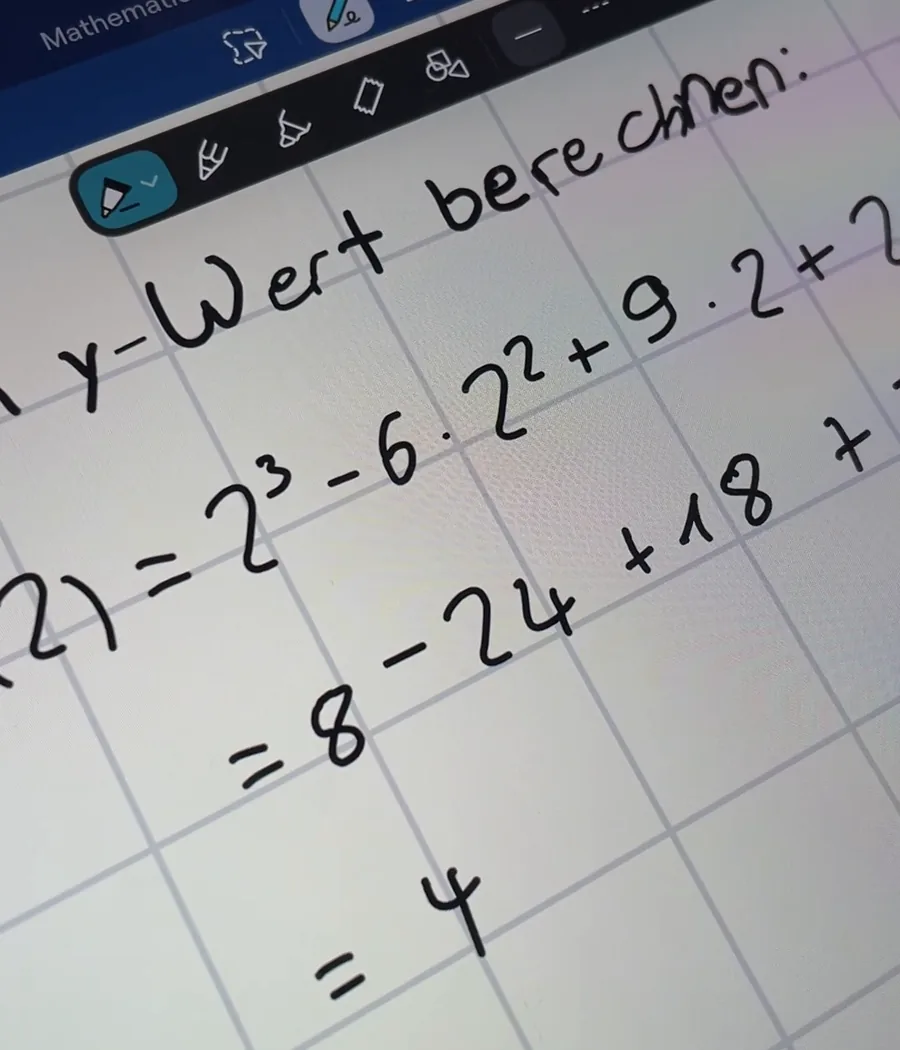
The GoodNotes export currently works for A4 pages only. More about your handwriting in GoodNotes
Meant for learning
Assistants make calculation mistakes too. Work through the solution and check every step before you learn from it or use it in tutoring. A neat sheet in your own hand is worth most when you understand what is on it.
what each plan includes
Math on every plan
Math mode
Included on Free, Plus and Pro.
Pages per export
Free exports the first page, Plus two pages, Pro every page.
The math sheet
Plus and Pro only. On Free, fraction bars, roots, tall brackets and large operators are drawn rather than written in your hand.
Digits and signs in your hand
Only with the Numbers & symbols sheet, part of Plus and Pro. Free includes the letters sheet only: your hand writes the letters, and digits and math signs come from a built in handwriting.
GoodNotes export
On every plan, with a small watermark on Free. A4 pages only.
Exports per month
Free 3, Plus 10, Pro 30, with PDF and GoodNotes counted together.
Try it first with a sample handwriting
Math mode is on in the playground. Paste an answer and look at the sheet before you create an account.
Open the playgroundfrequently asked
Frequently asked questions
Which AI assistants work?
We test with answers from ChatGPT, Claude, Gemini, Microsoft Copilot and Perplexity, each copied with the assistant's own copy button. Other assistants we have not checked.
Do I need to know LaTeX?
No. The assistant writes the formulas and the editor reads them. If you want to, you can still type or fix a formula in LaTeX yourself in the text box.
Why the copy button and not a selection?
When you select an answer with the mouse, some assistants copy only the displayed text of the formulas. From Claude, Copilot and Perplexity that can arrive as a jumble nobody can read back. The editor tells you when that happens, and the copy button hands over the formulas whole.
Is it free?
Math mode is on every plan, Free included. Free gives you 3 exports a month, each with the first page and a small watermark. The math sheet and longer sheets come with Plus and Pro.
Do I need an iPad?
No. The editor runs in the browser, on a laptop too, and you fill in the templates on paper with any pen. You only need GoodNotes for the GoodNotes export; the PDF opens and prints anywhere.
Does the GoodNotes export work with my own handwriting?
Yes. When your handwriting is built, the pen paths GoodNotes turns into ink are built with it. If a font has none, the editor says so when you export and you use the PDF instead. Characters without a pen path are named after the export. The GoodNotes export currently works for A4 pages only.
TypedHand is an independent tool. It is not made by, affiliated with or endorsed by OpenAI, Anthropic, Google, Microsoft, Perplexity or GoodNotes.
Free, no account needed, with a sample handwriting.
Try math mode