
Use your handwriting as a font: no font file needed
Print one template, fill it out with any pen, take a photo, then type anything and see it rendered in your own handwriting, right in the browser.
Free, no account needed.
how it works
From paper to typed handwriting
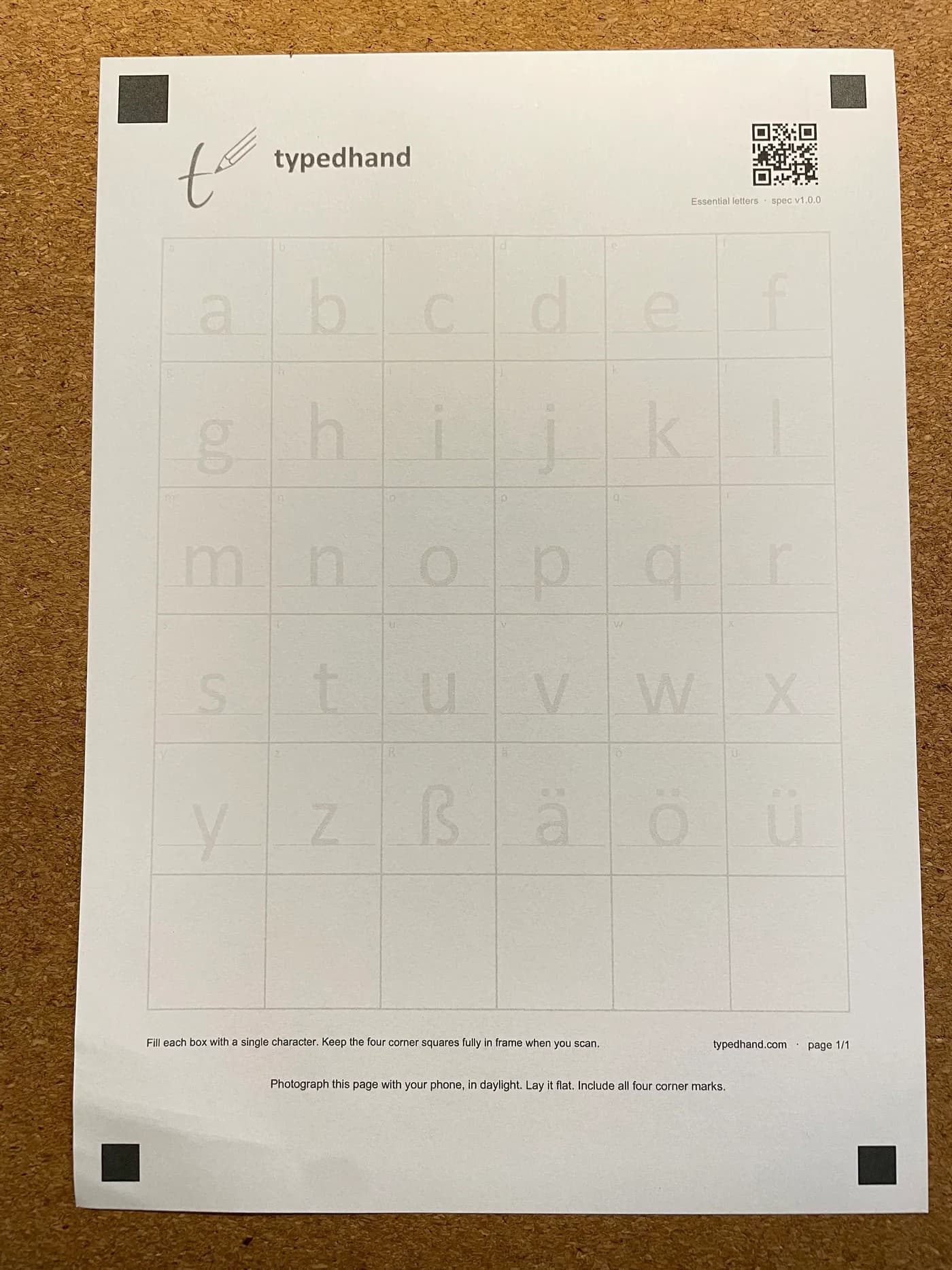
Print the template
Download the template and print it on ordinary paper. It has two pages. The corner marks help line everything up later.
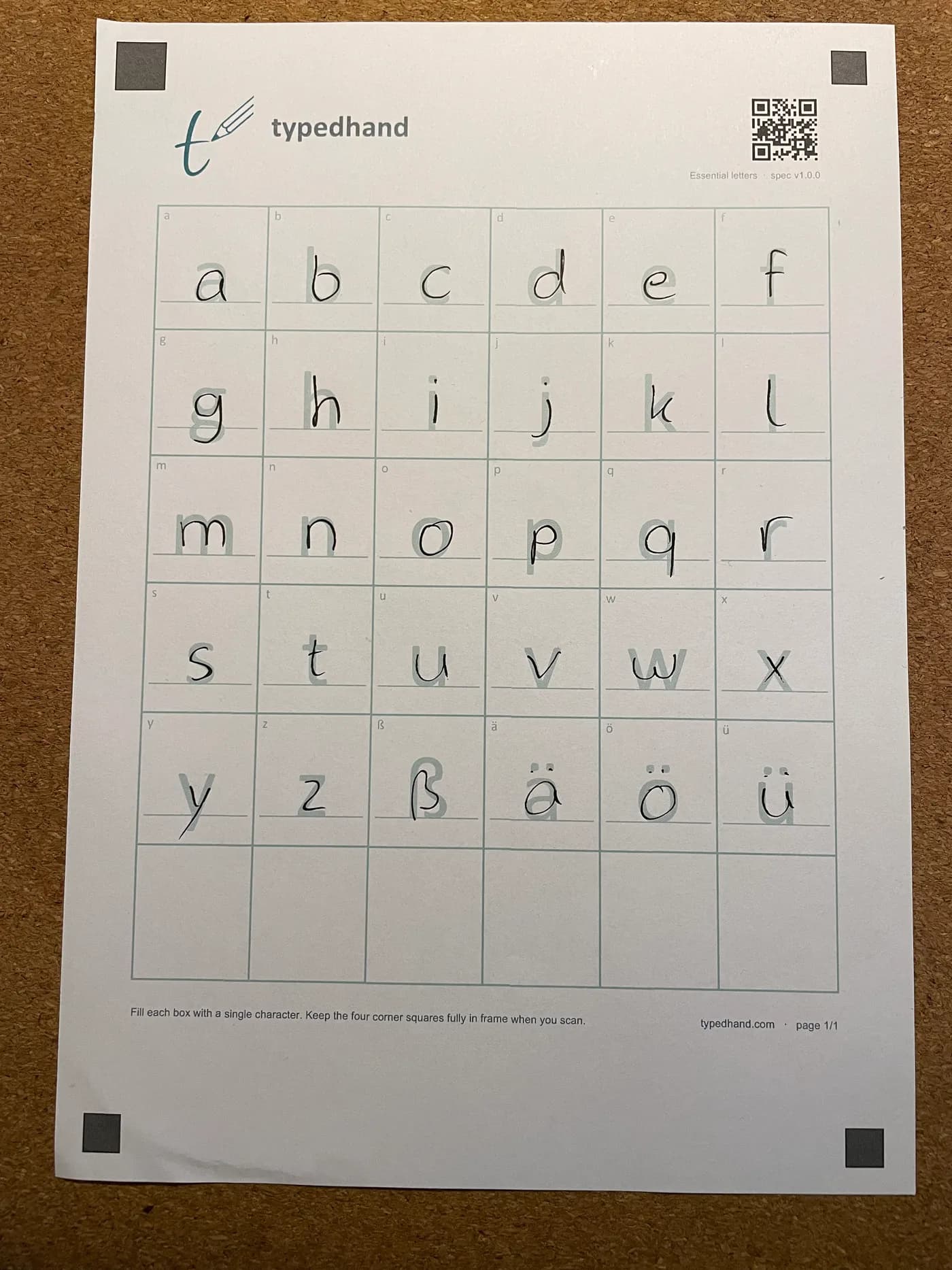
Write it with any pen
Ballpoint, fineliner, fountain pen: whatever is on your desk. One character per box. No tablet or stylus required, though writing digitally works too.
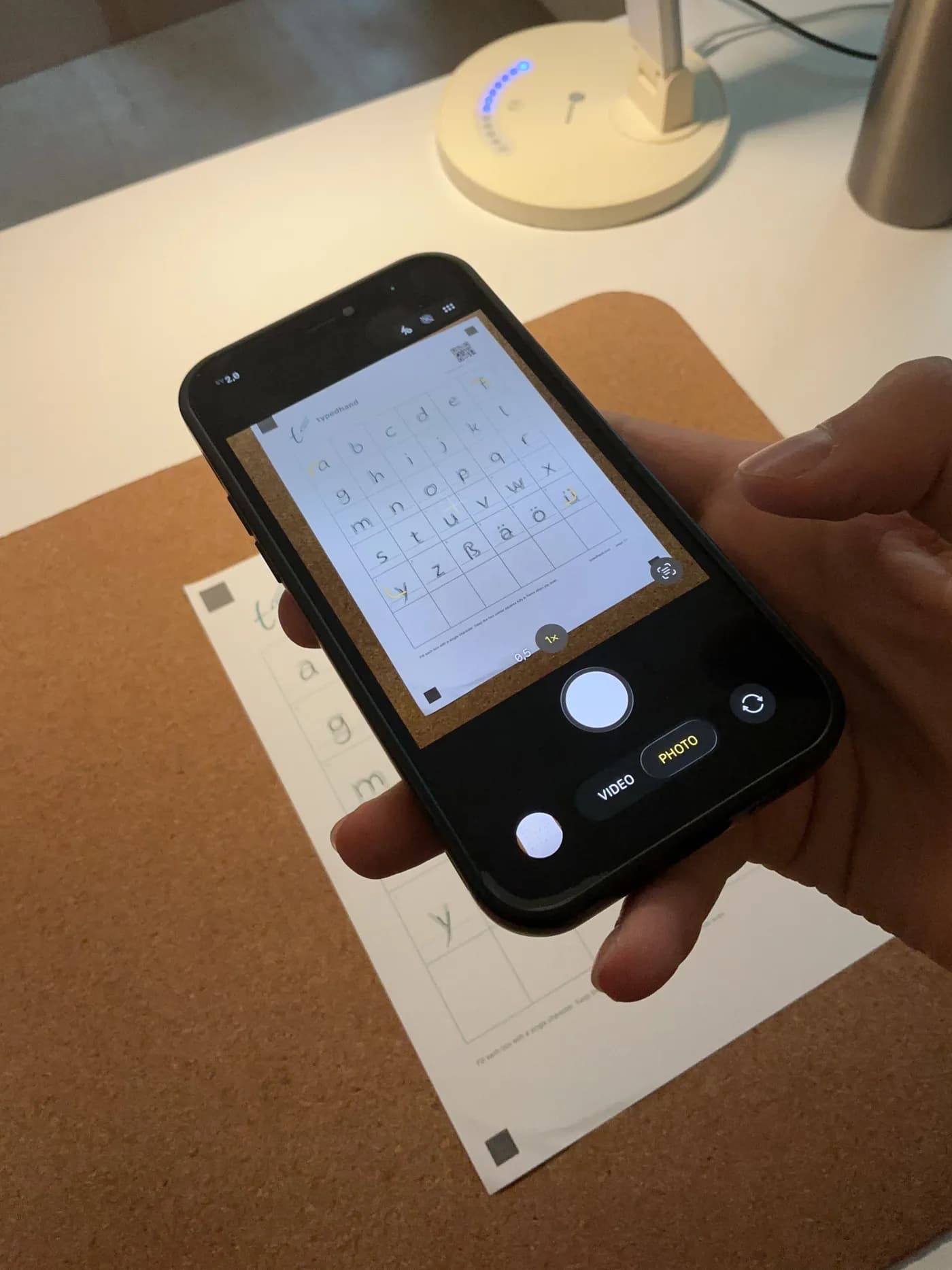
Take a photo
Lay the sheet flat, shoot it in daylight, keep all four corner marks in frame. That's all the camera has to do.
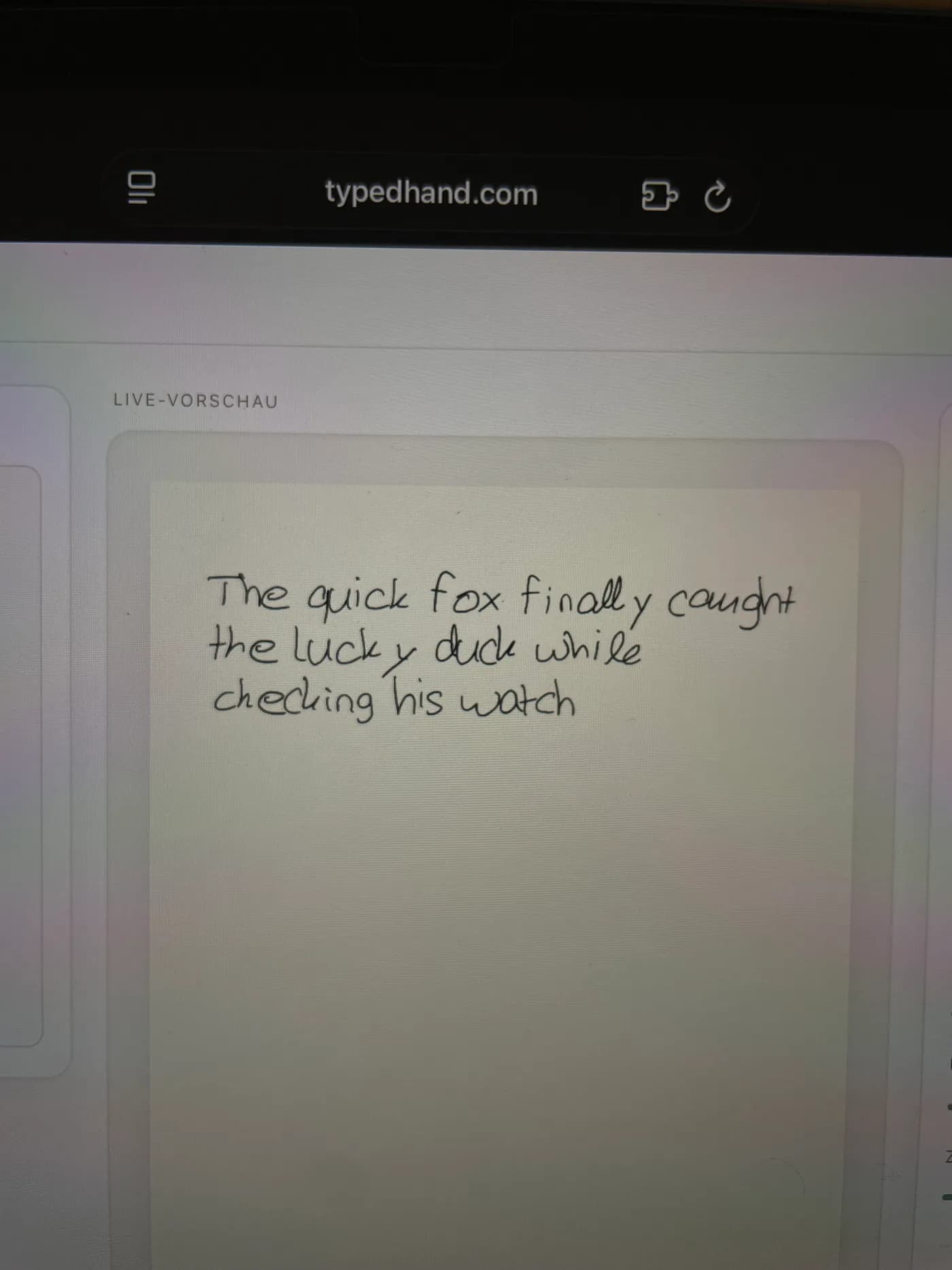
Type: your handwriting shows up in the editor
From here you just type. The editor shows the text live in your handwriting (with joined letters on Pro), and you export it as a PDF.
Try it first with a sample handwriting
No template needed to try it. The playground uses a sample handwriting font so you can see how typing works before you commit to your own.
Open the playgroundfrequently asked
Frequently asked questions
Do I need an iPad or Apple Pencil?
No. The standard path is print, write with any pen, photograph, no tablet or stylus involved. If you'd rather write digitally, any tablet with a stylus works: iPad, Android, Windows, whatever you already have, but none of it is required.
Does it work with any pen?
Yes. Ballpoint, fineliner, fountain pen, pencil. TypedHand reads whatever you filled the template out with. There's no special ink or pen required.
Is it free?
Yes: up to 2 handwriting fonts and 3 PDFs a month, with a small watermark. Paid plans add more exports and features, but you don't need one to get started.
Do I get a font file (TTF/OTF) to download?
No. TypedHand doesn't produce an installable font file. You type text in the TypedHand editor and export it there as a PDF in your handwriting. The conversion happens every time you use the editor, not as a one-time file download.
How many letters do I need to write?
The standard template covers the full alphabet, upper and lower case including German umlauts, filled out once. Numbers and punctuation have their own template, from Plus. After that you just type; no need to write out every word in advance.
Does this work in GoodNotes?
Yes, with its own dedicated export. Instead of a PDF or a picture, it writes your handwriting into GoodNotes as real, erasable pen strokes.